
Activate a customer
How to Activate a Customer
Register a customer, assign their extension, and get their operation ready.
-
Step 1
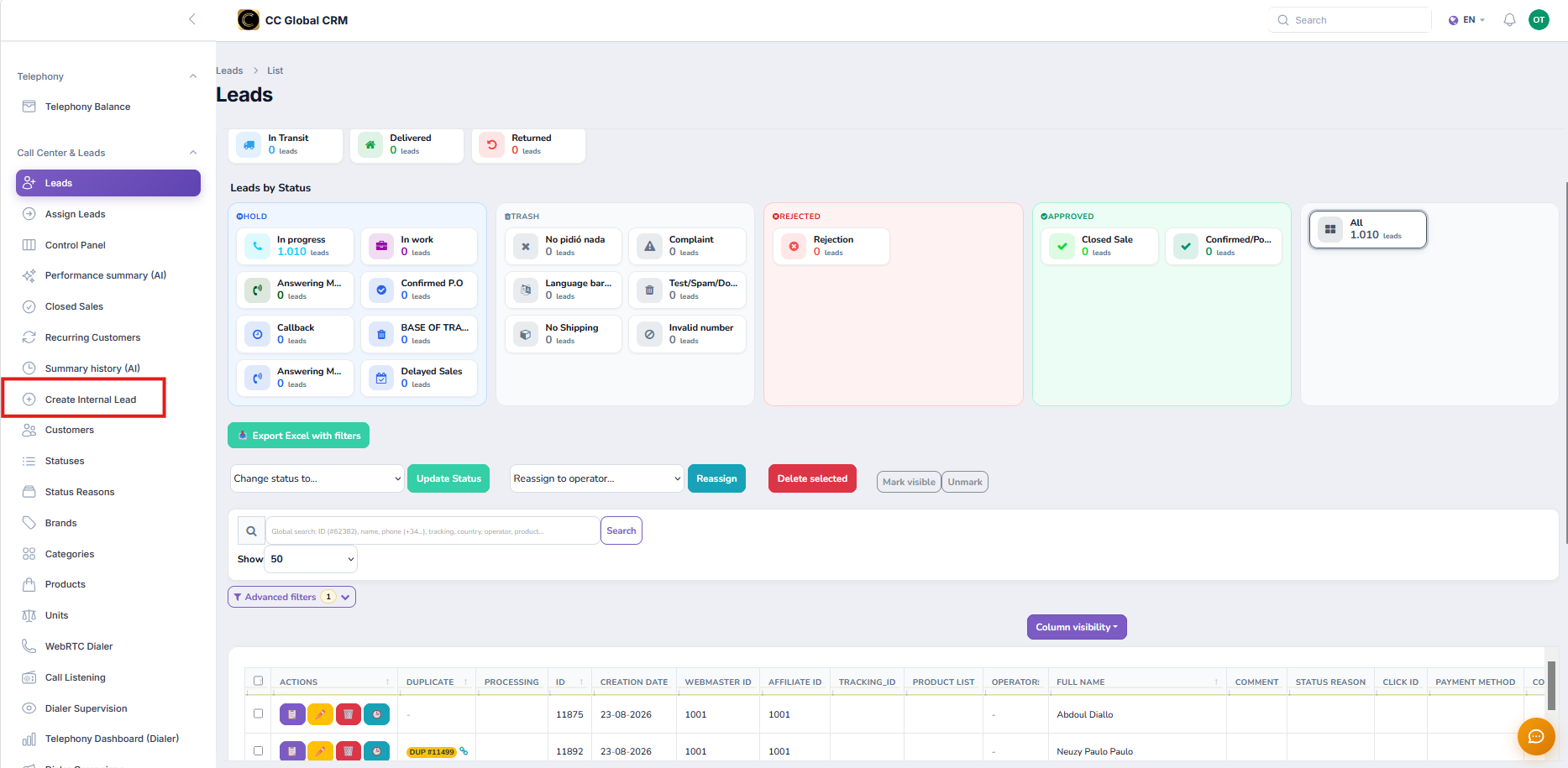
New customer
In the panel, go to Customers > New and complete the billing and contact information.
-
Step 2
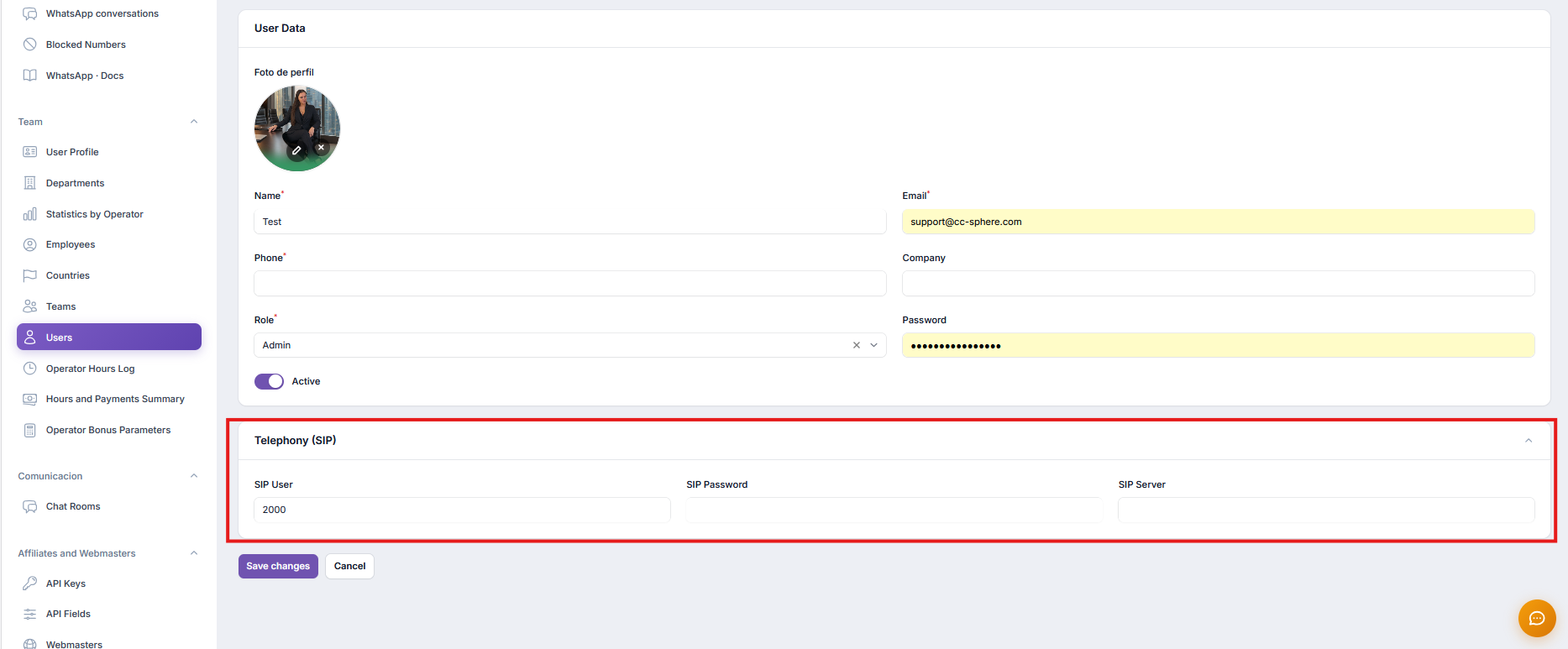
Assign extension
Choose a free extension range. The system validates that it doesn't overlap with another tenant.
-
Step 3
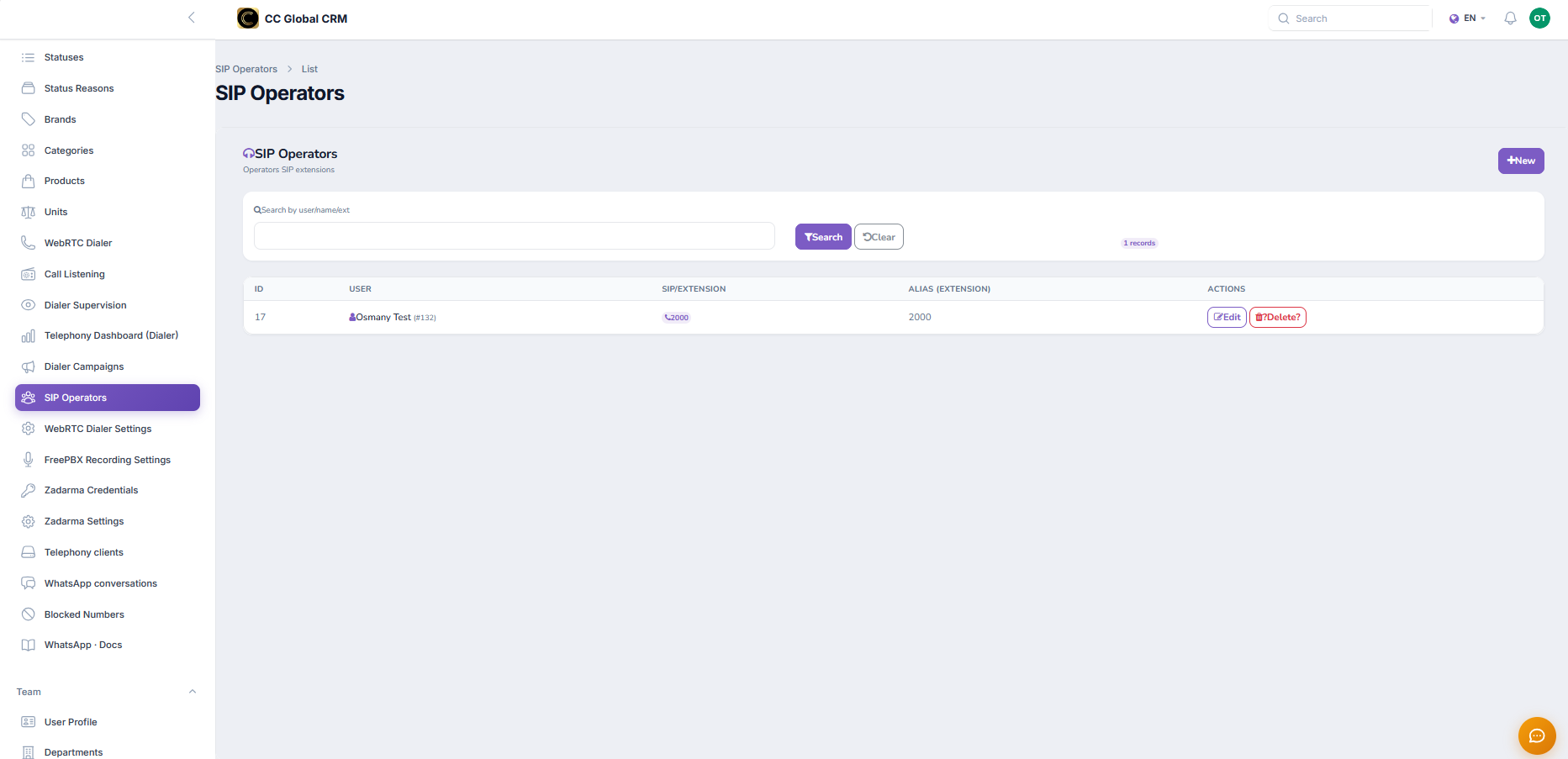
Configure their line
Associate the shared account or create their own trunk according to the customer's plan.
Got stuck on a step? Open a ticket and we'll help you with your real case.