
WhatsApp · Templates and conversations
How to create WhatsApp templates and review conversations
Prepare approved templates and control conversations and blocked numbers.
-
Step 1
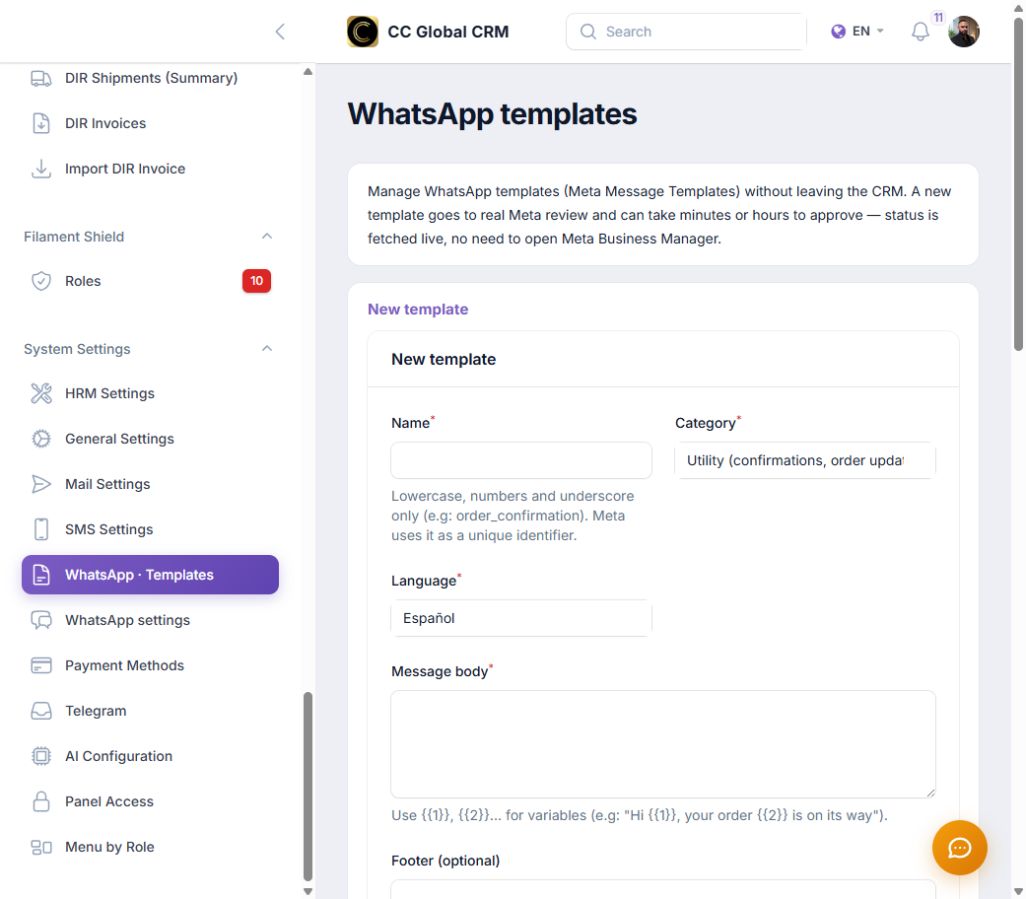
Create the template
Use a lowercase name, choose category and language, and write the body with numbered variables.
-
Step 2
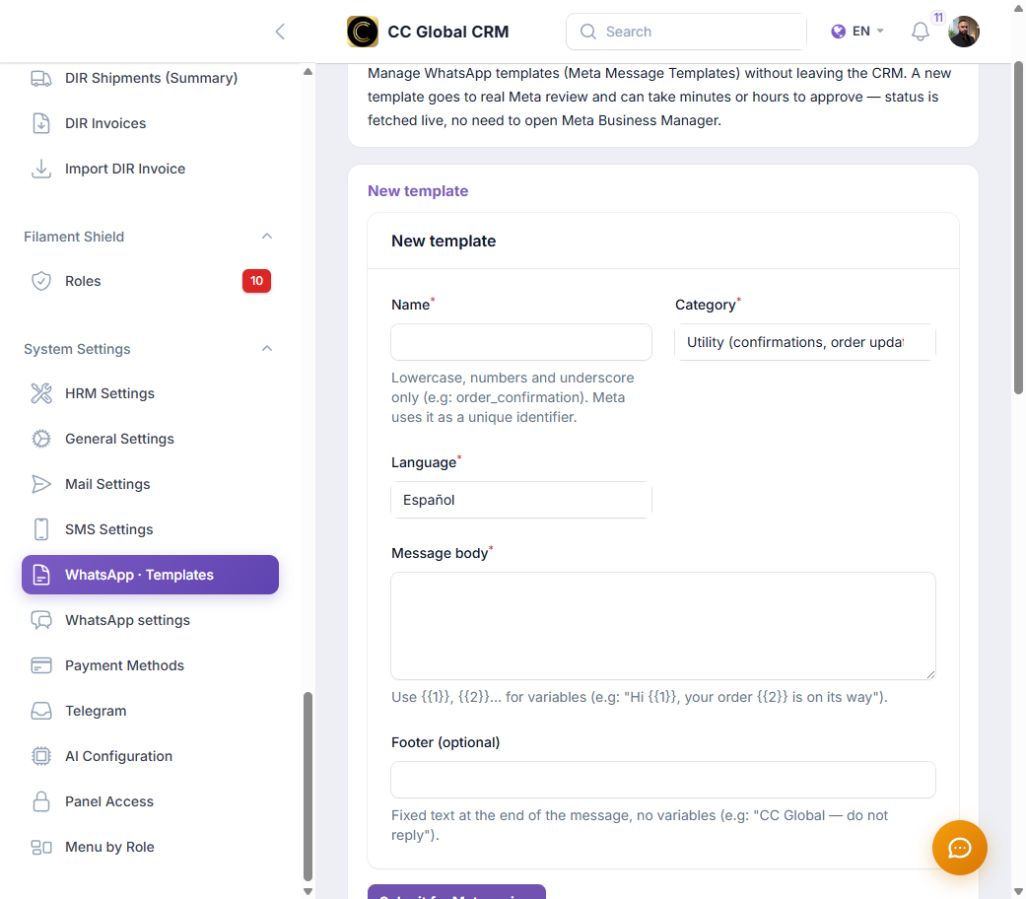
Add examples and actions
Include examples for each variable, message footer, and quick responses when appropriate.
-
Step 3
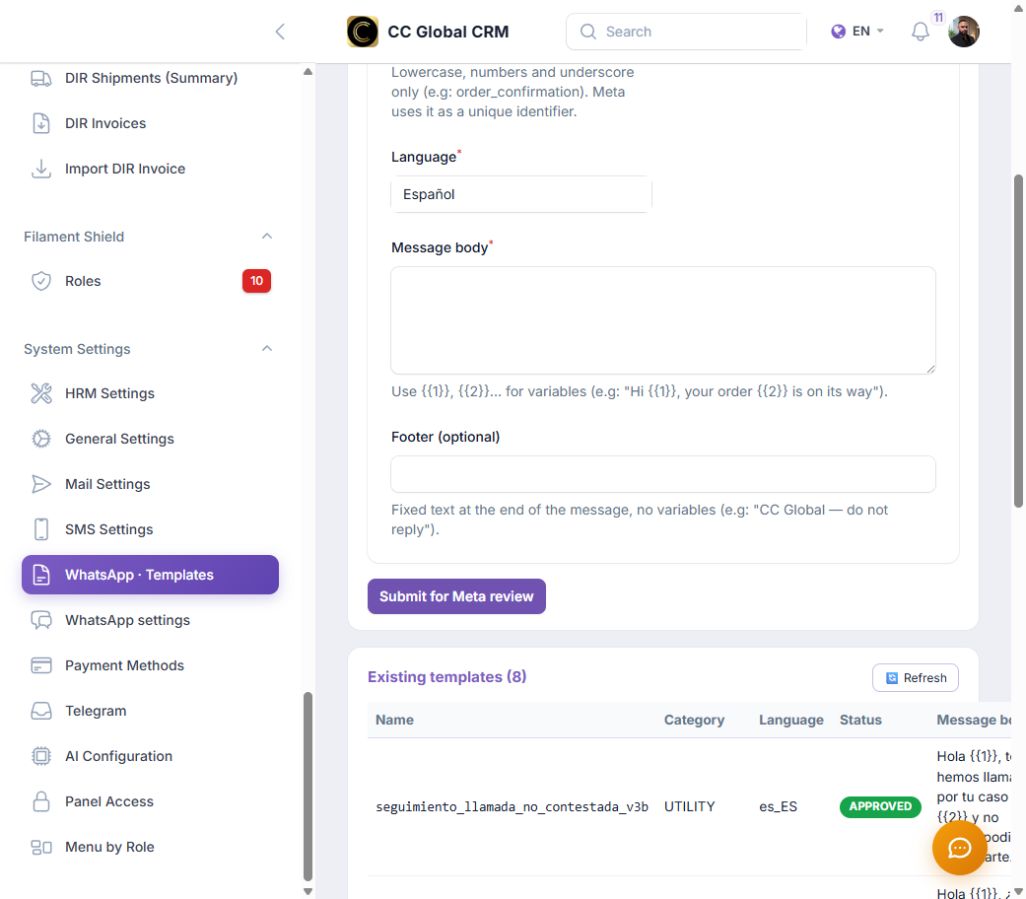
Send for review
Check content, variables, and language before submitting the template to Meta.
-
Step 4
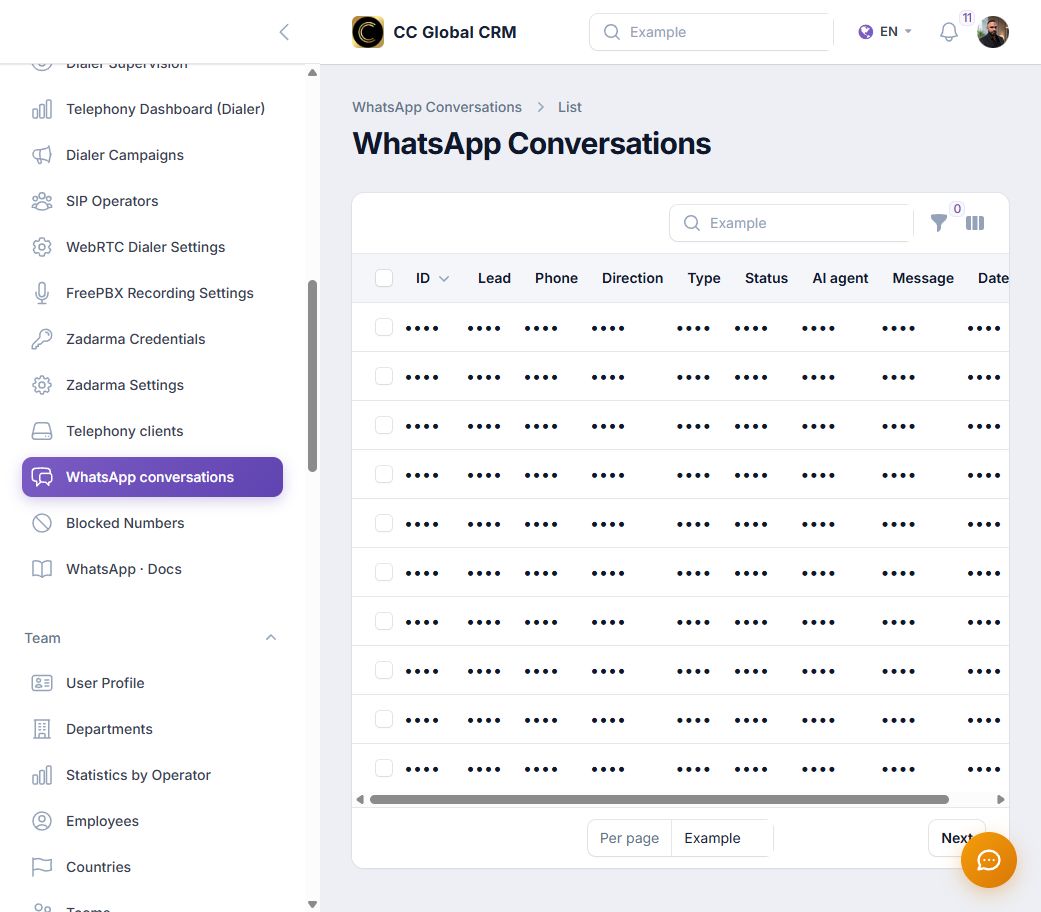
Review conversations
Filter the inbox without showing names, phone numbers, or real content.
-
Step 5
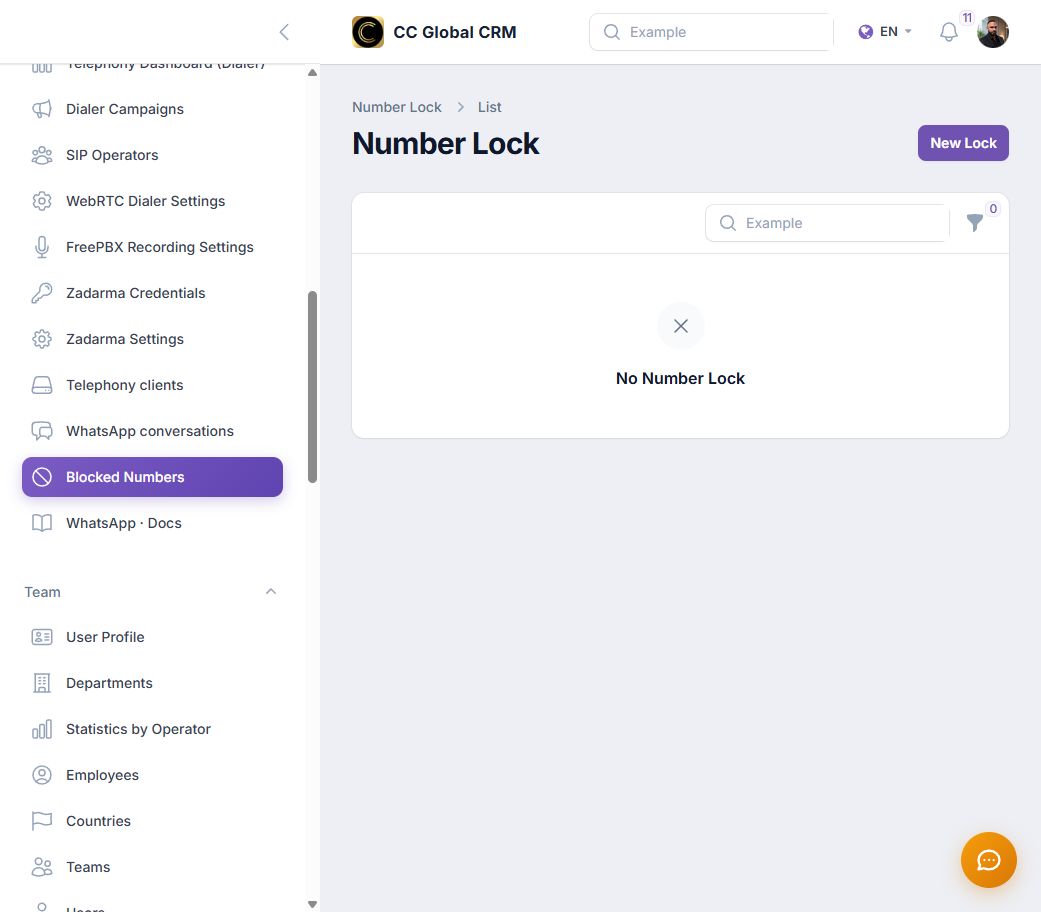
Control blocked numbers
Check Blocked Numbers and verify each block before modifying it.
Sending for review communicates the template to Meta and approval may take minutes or hours.