
How to Check Closed Sales and Track Them in GLS
Learn how to locate a closed sale, review its shipping details, and open the official GLS tracking from the operator panel.
-
Step 1
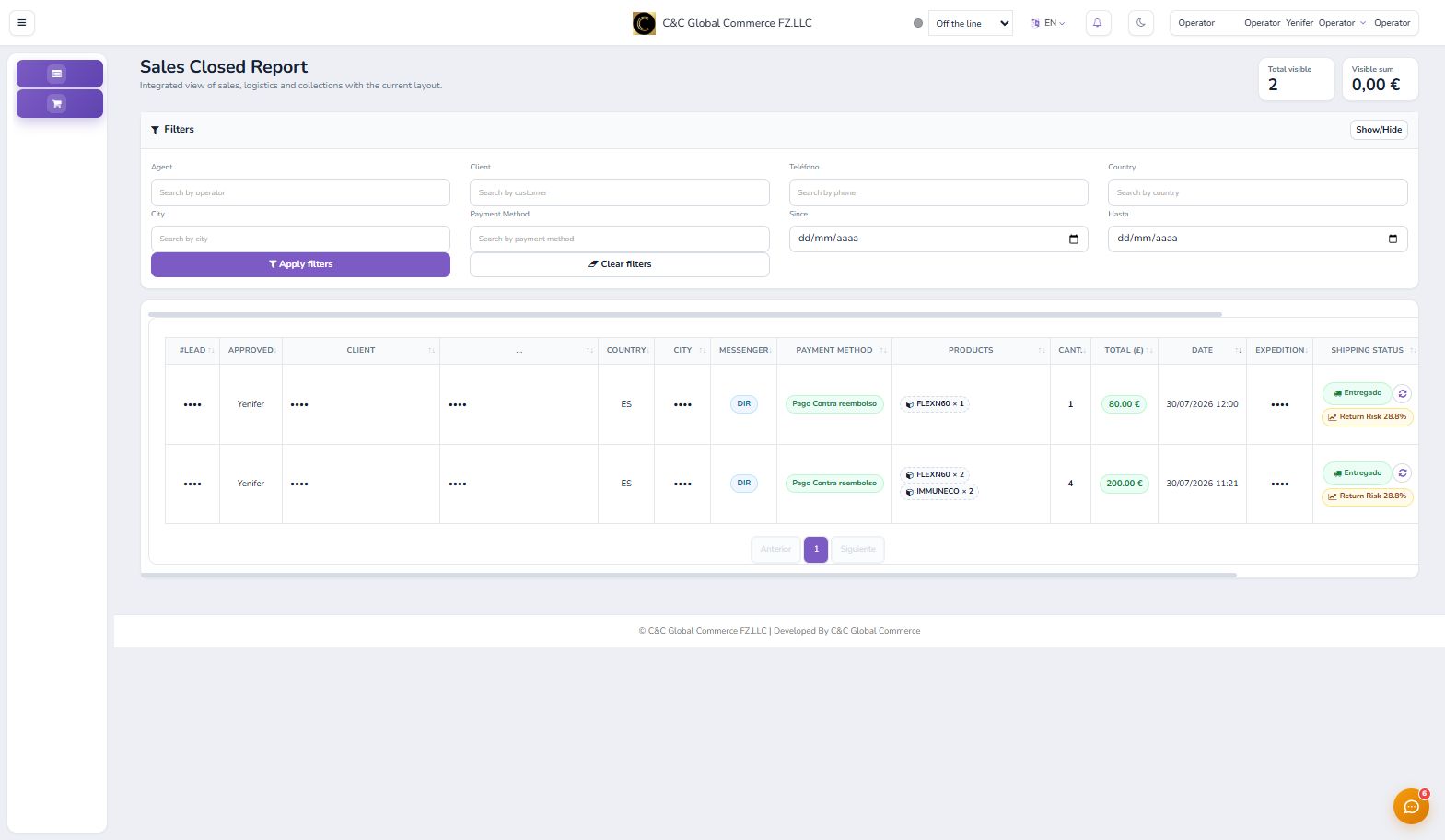
Open Closed Sales
In the operator menu, go to Closed Sales. The table gathers completed operations and allows you to review date, product, status, shipping, and tracking without leaving the report.
-
Step 2
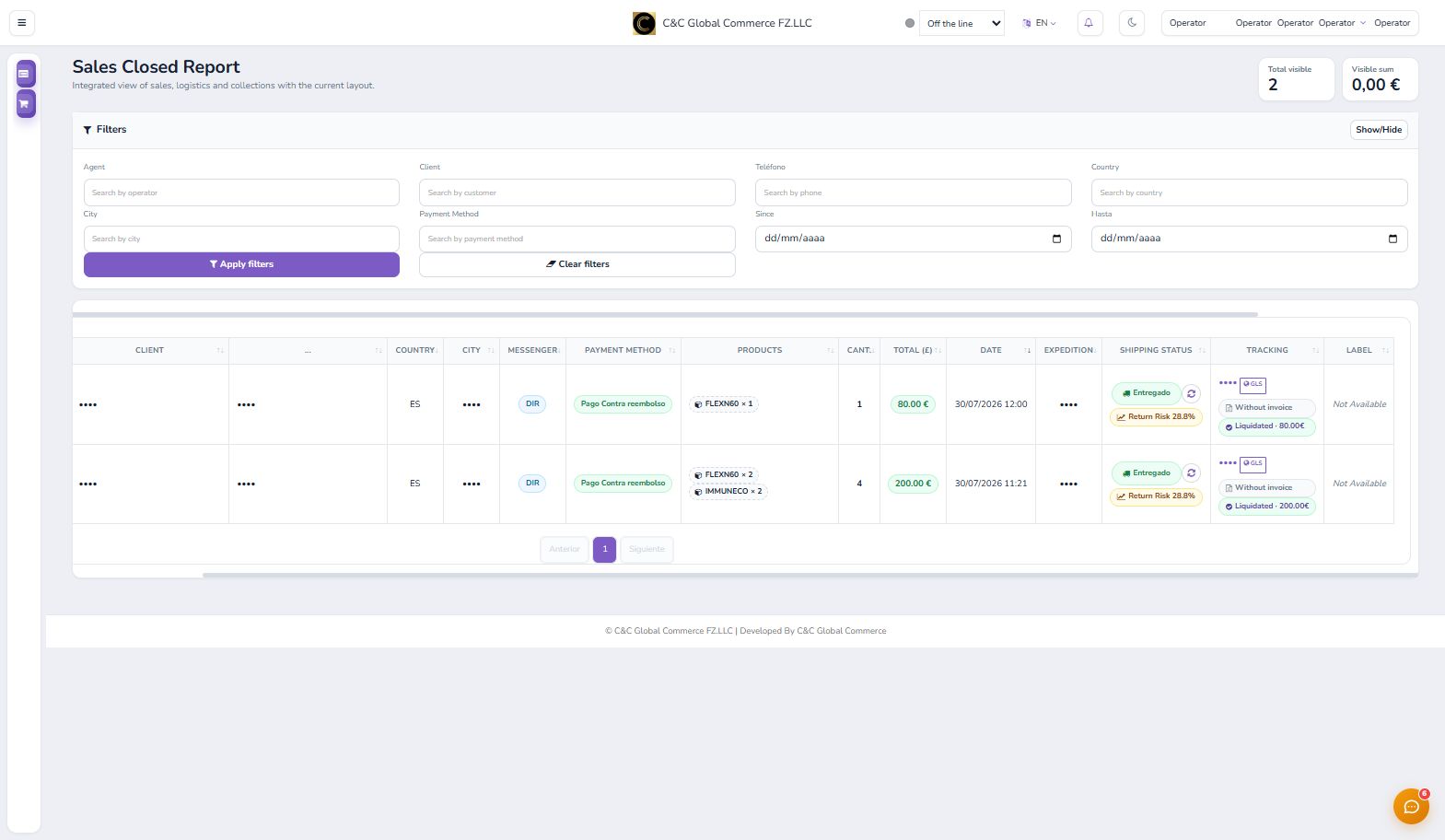
Locate the Sale and Click GLS
Use the filters to find the correct operation. Scroll to the shipping and tracking columns and click the GLS button in that row. Verify that you are working with the correct sale before opening the link.
-
Step 3
Check Official Tracking
The official GLS page shows the current status, shipping progress, and movement history. Use this information to respond to the customer accurately and return to the CRM when you finish the inquiry.
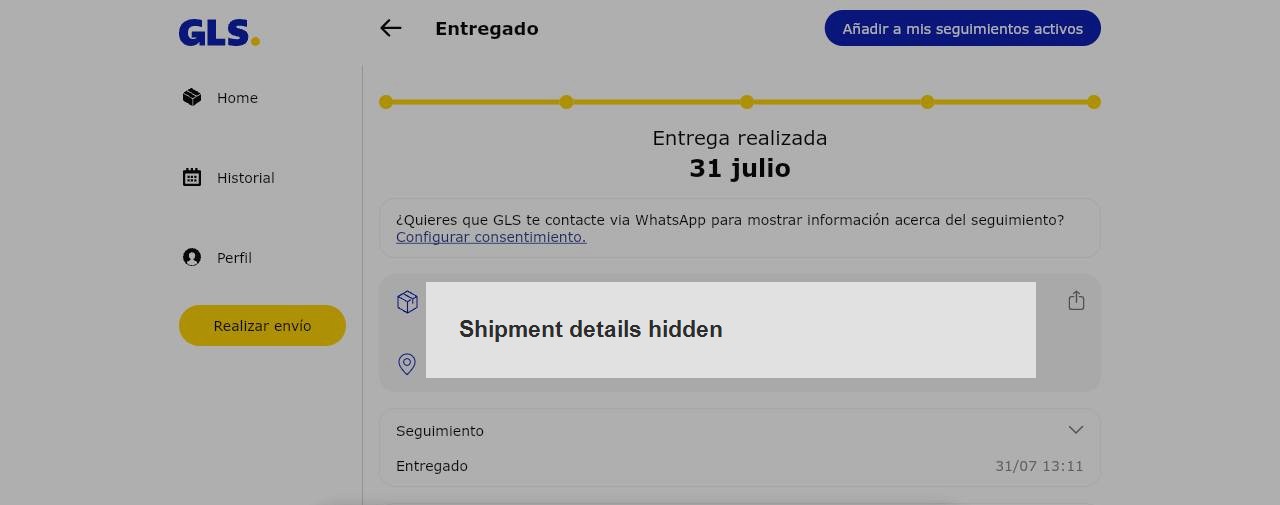
Always check that the shipping number corresponds to the correct sale before informing the customer.