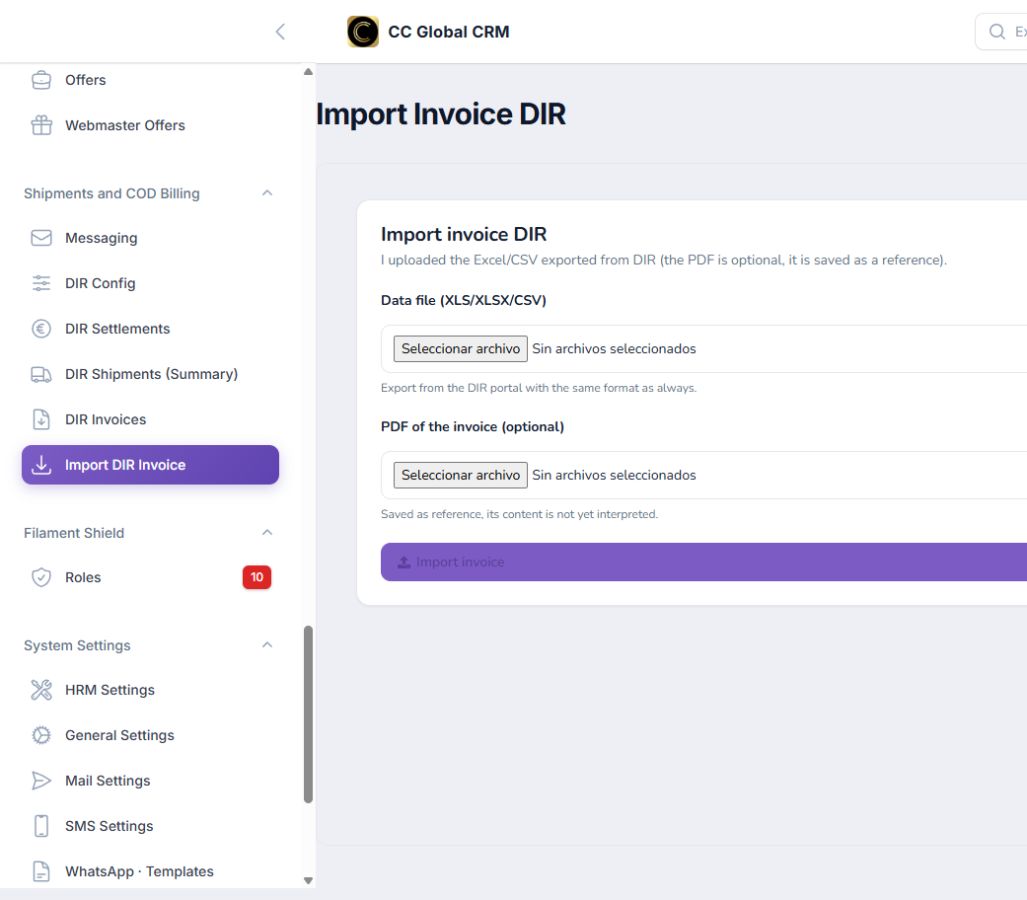
Logistics · Messaging and DIR
How to Set Up Messaging and Operate DIR
Configure the logistics connection and control shipments, invoices, and bills.
-
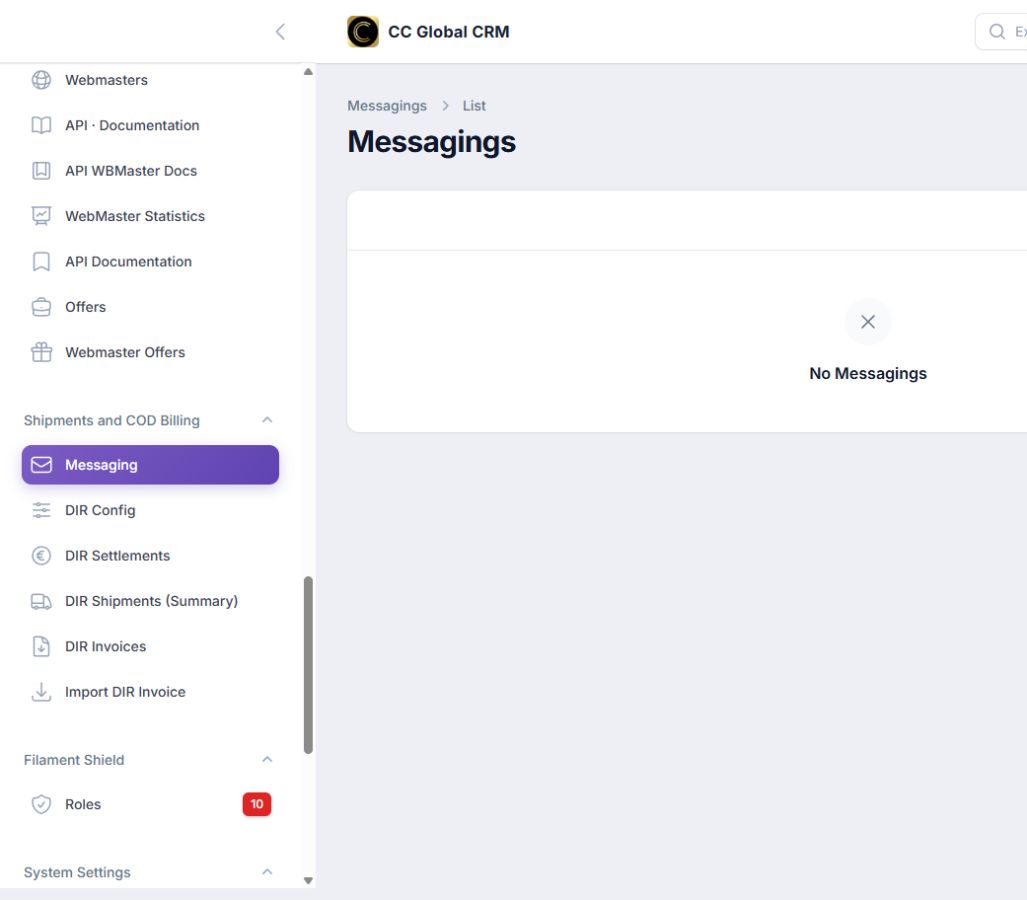
Step 1
Set Up Messaging and DIR
Enter the provider data without showing credentials.
-
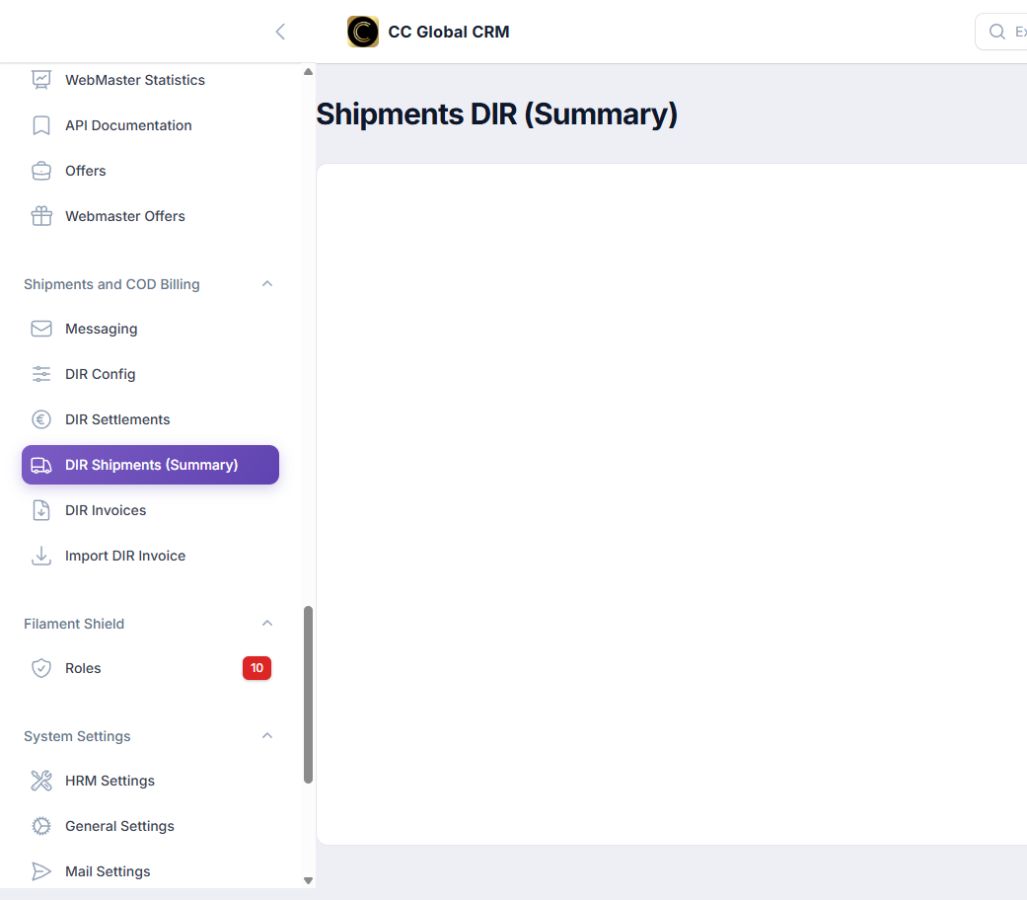
Step 2
Review Shipments
Check the summary of shipments and their statuses.
-
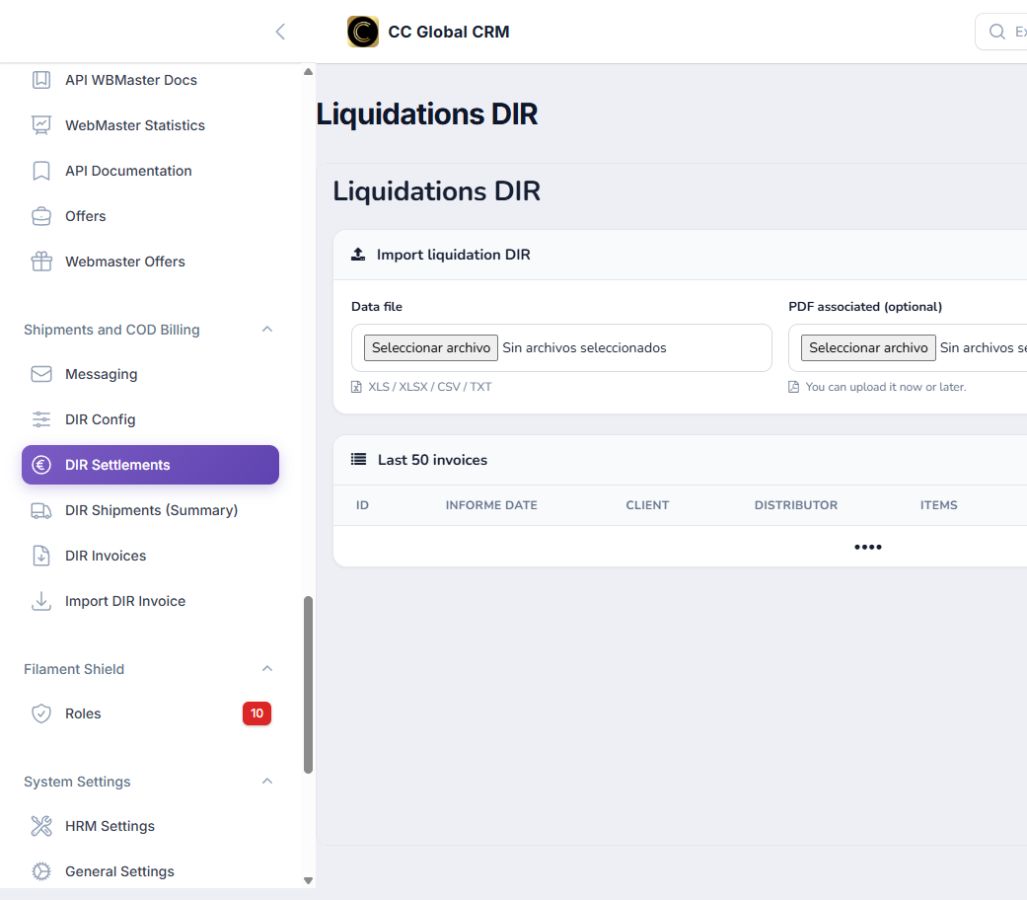
Step 3
Verify Invoices
Review periods and total amounts without disclosing individual data.
-
Step 4
Manage Invoices
View invoices and validate format and period before importing.