
Administration · Role-based Menu
How to Configure Visible Menus for Each Role
Show each profile only the modules necessary for their work.
-
Step 1
Select the Role
Choose the role you want to review and load its current configuration.

-
Step 2
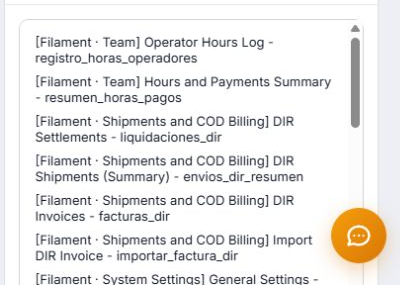
Define Visible Menus
Activate only the necessary sections, save, and check the result with a test user.
Test changes with a secondary account before modifying admin access.