
Administration · General Settings
How to Configure General Settings, HRM, and Payment Methods
Define identity, currency, dates, hours, and payment methods.
-
Step 1
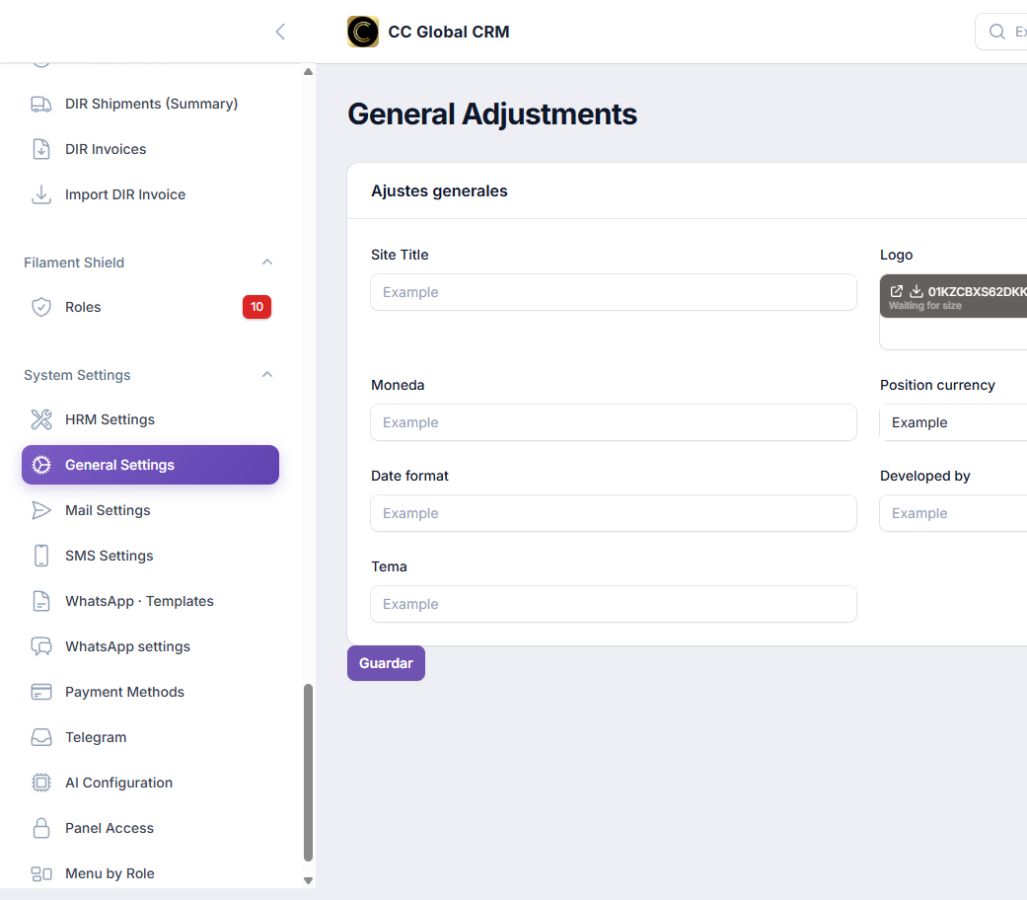
Configure General Settings
Define title, logo, currency, position, date, developer, and theme.
-
Step 2
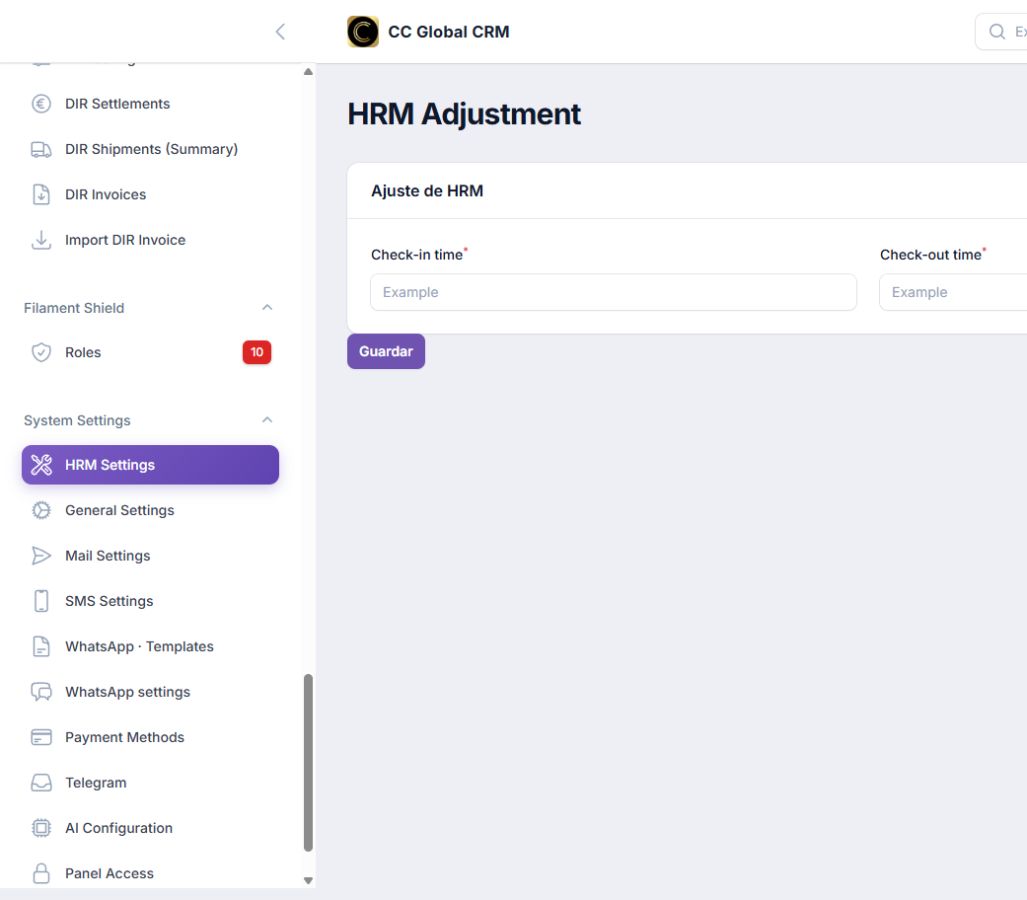
Set HRM Hours
Establish general hours of entry and exit.
-
Step 3
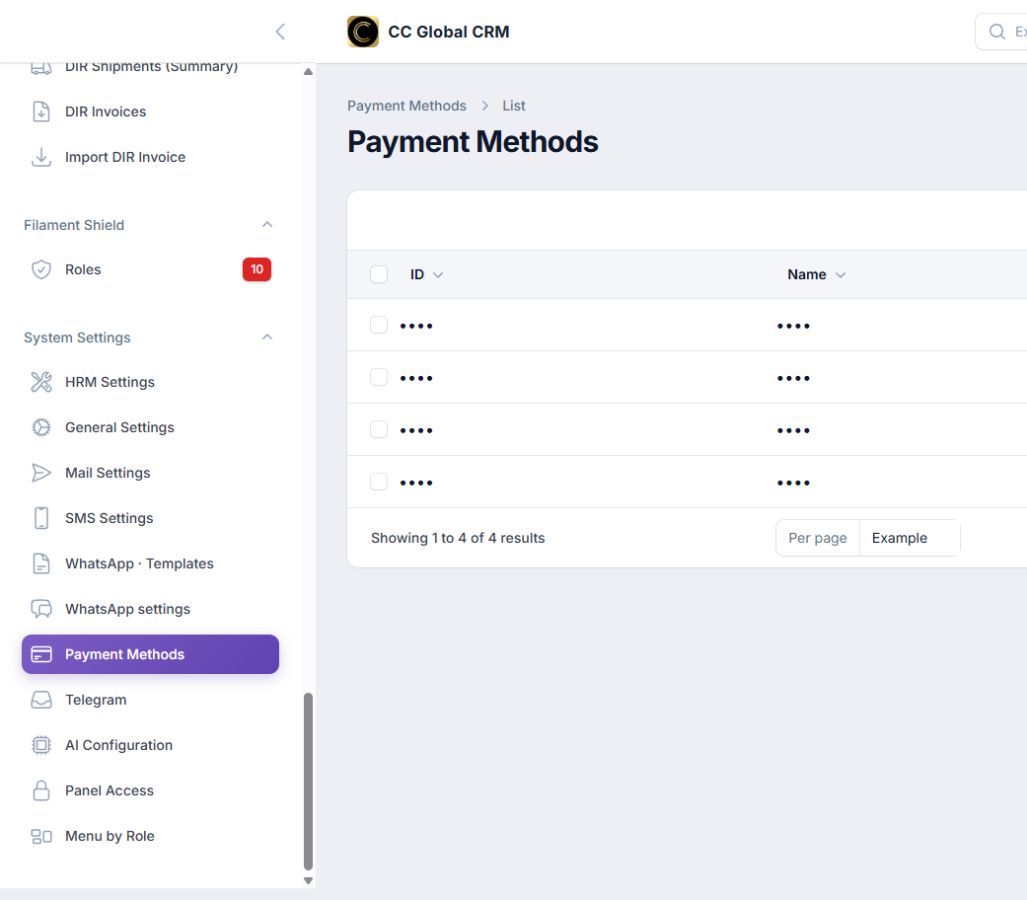
Maintain Payment Methods
Create only the available means for the operation.
-
Step 4
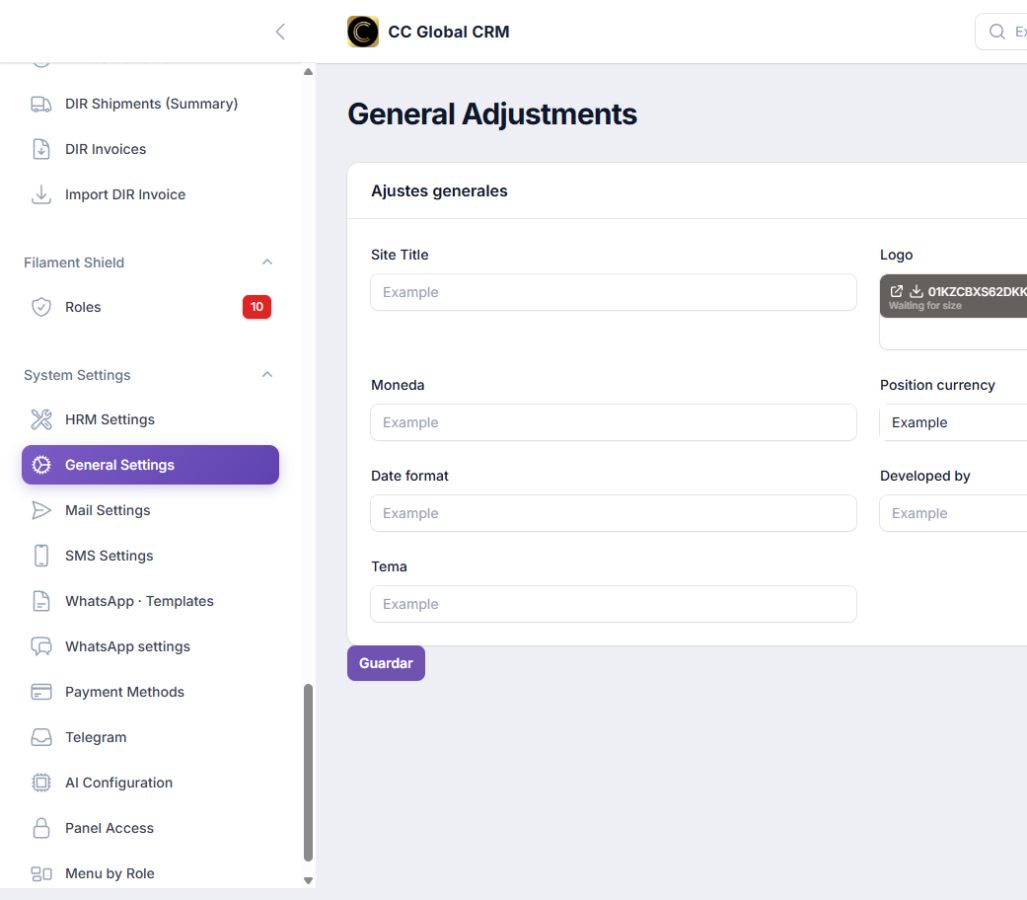
Verify Changes
Test the result with a secondary account.
Document any change in currency, date format, or time zone before applying it.