
Set up your first trunk
How to set up your first trunk
Connect a shared Zadarma/FreePBX line to your account to start making calls.
-
Step 1
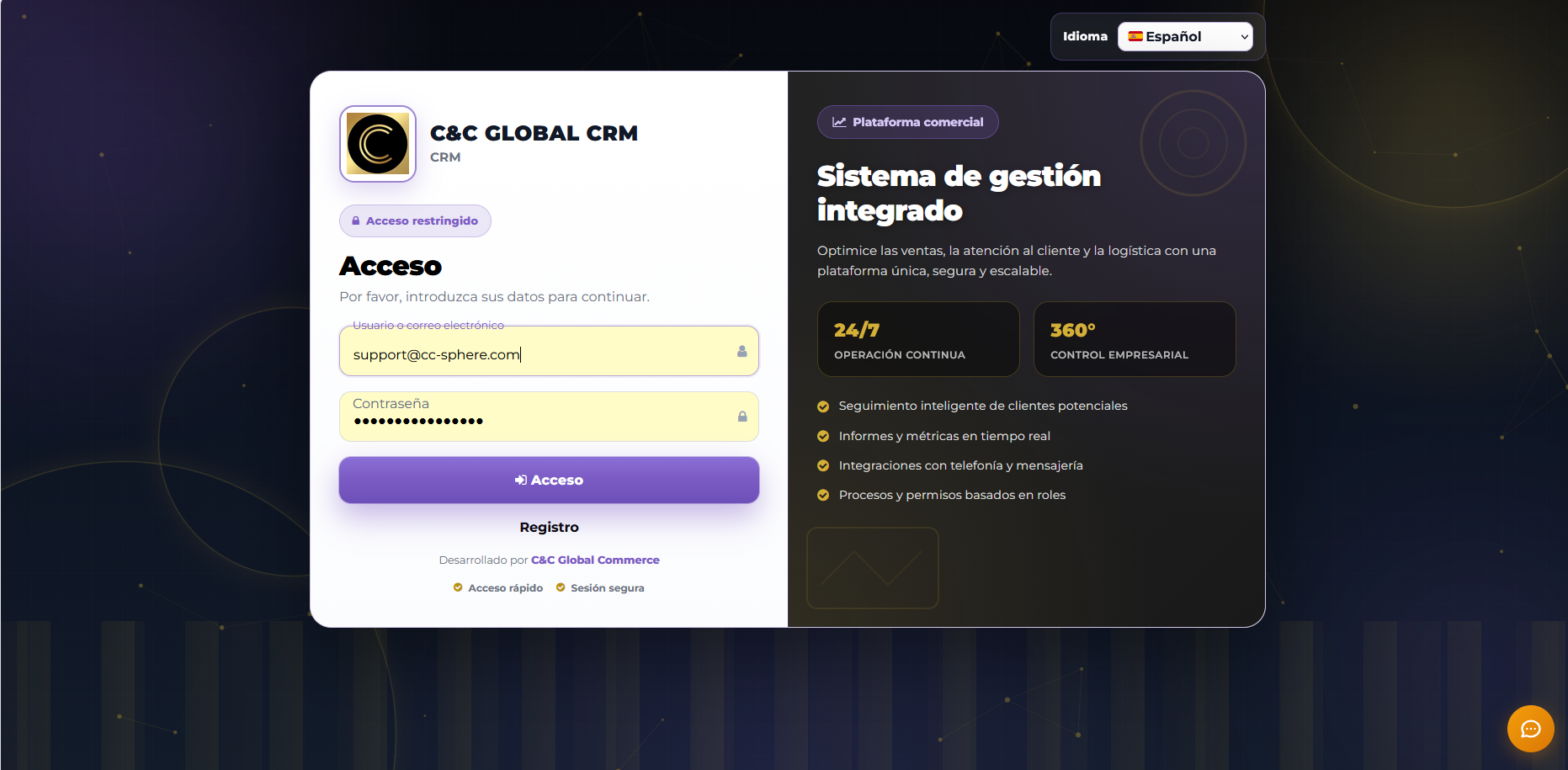
Access the panel
Log in to the CRM with your admin user and open the Telephony > Shared Accounts section.
-
Step 2
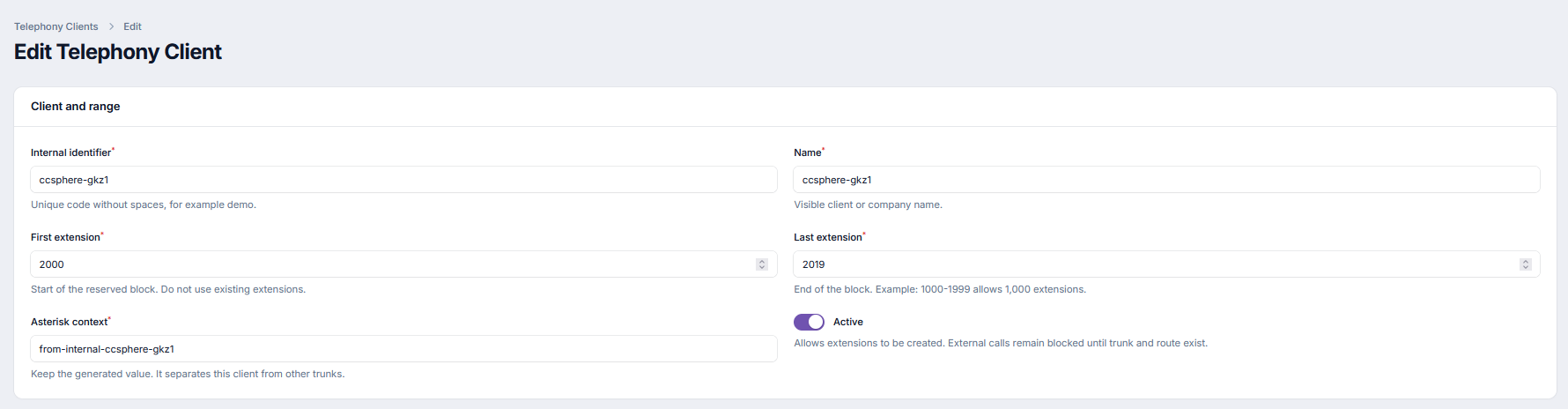
Load SIP data
Complete the form with the SIP server, port, user, and password provided by your provider.
-
Step 3
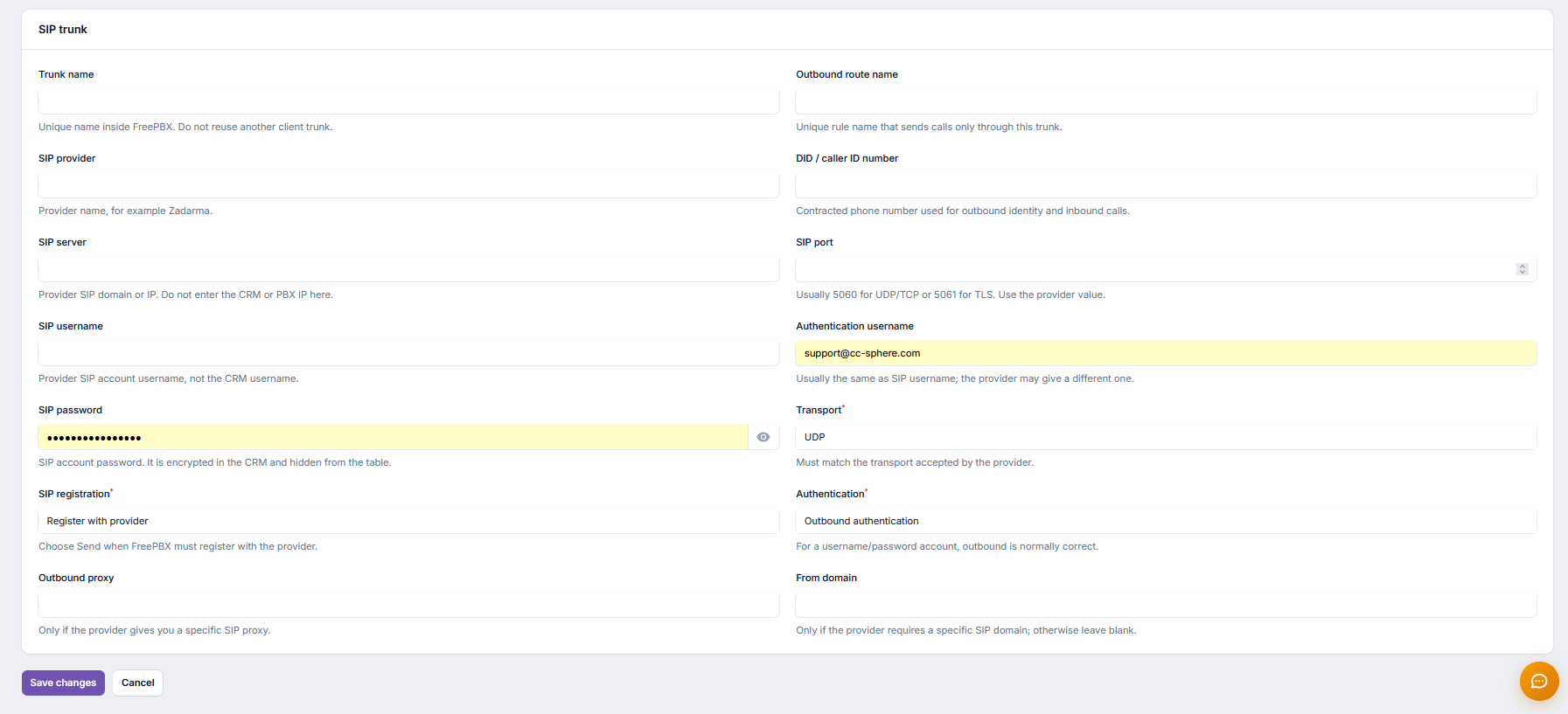
Create the trunk
Use the "Create trunk in FreePBX" button. The system validates and leaves the route ready for your account.
-
Step 4
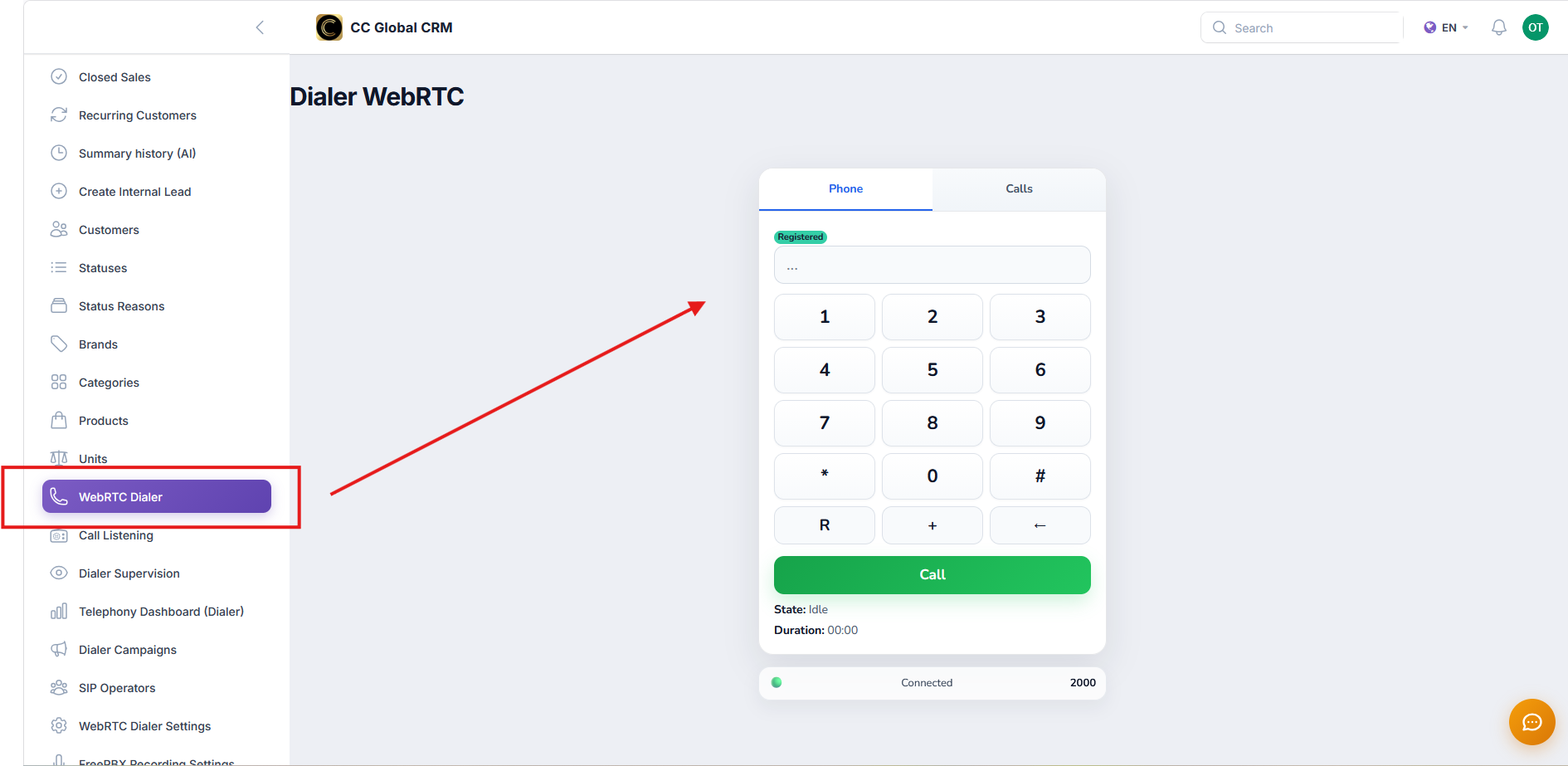
Test the call
Dial a test number and verify that the balance and caller ID are displayed correctly.
Got stuck on a step? Open a ticket and we'll help you with your real case.