
Telephony · Dialer and campaigns
How to use the dialer, monitor calls, and create campaigns
Operate the WebRTC dialer, control indicators, and configure call campaigns.
-
Step 1
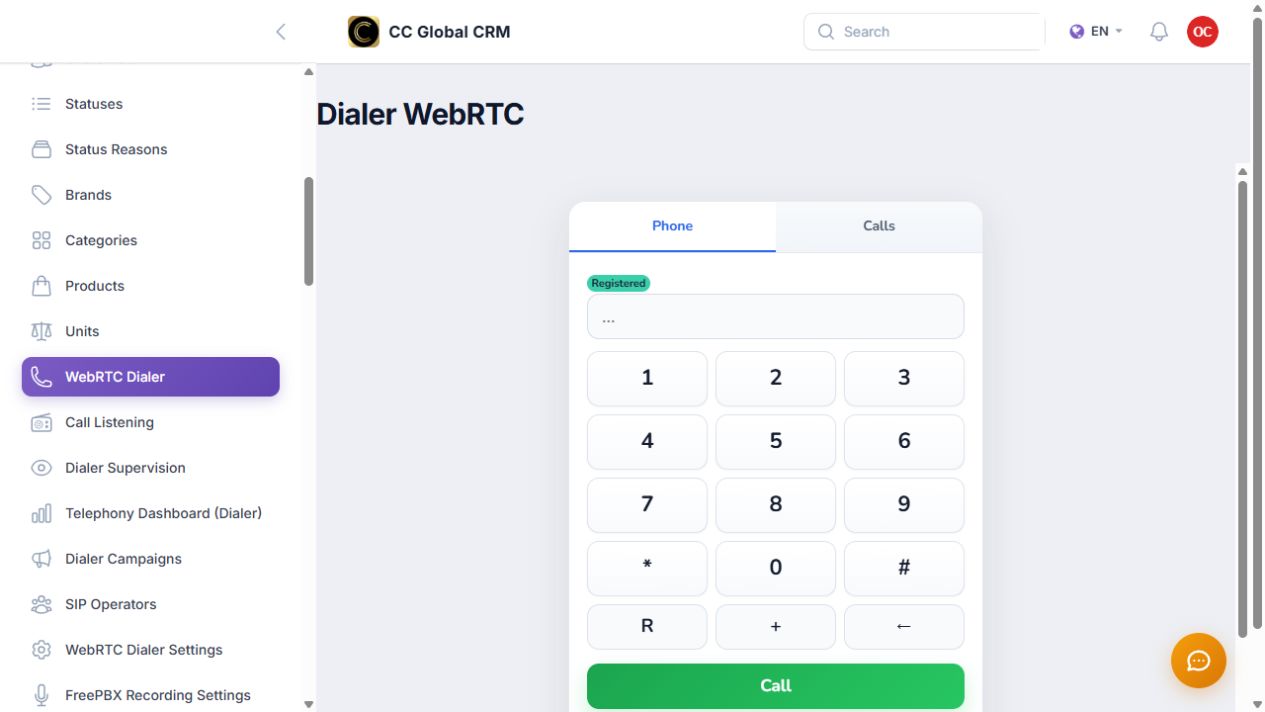
Use the WebRTC dialer
Check the registered status and make a controlled call.
-
Step 2
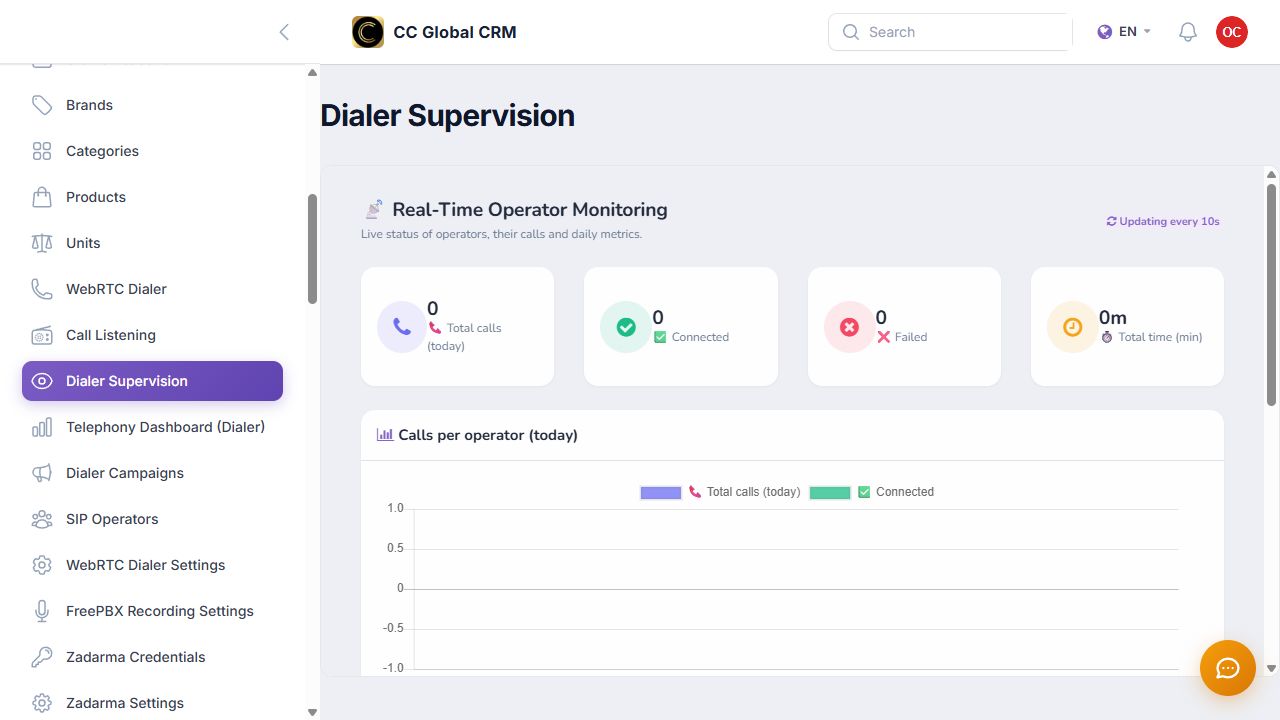
Monitor calls
Review totals, connected, failed, and duration without displaying numbers or recordings.
-
Step 3
Create campaigns
Configure country, team, status, operator, schedule, and attempts before activating.
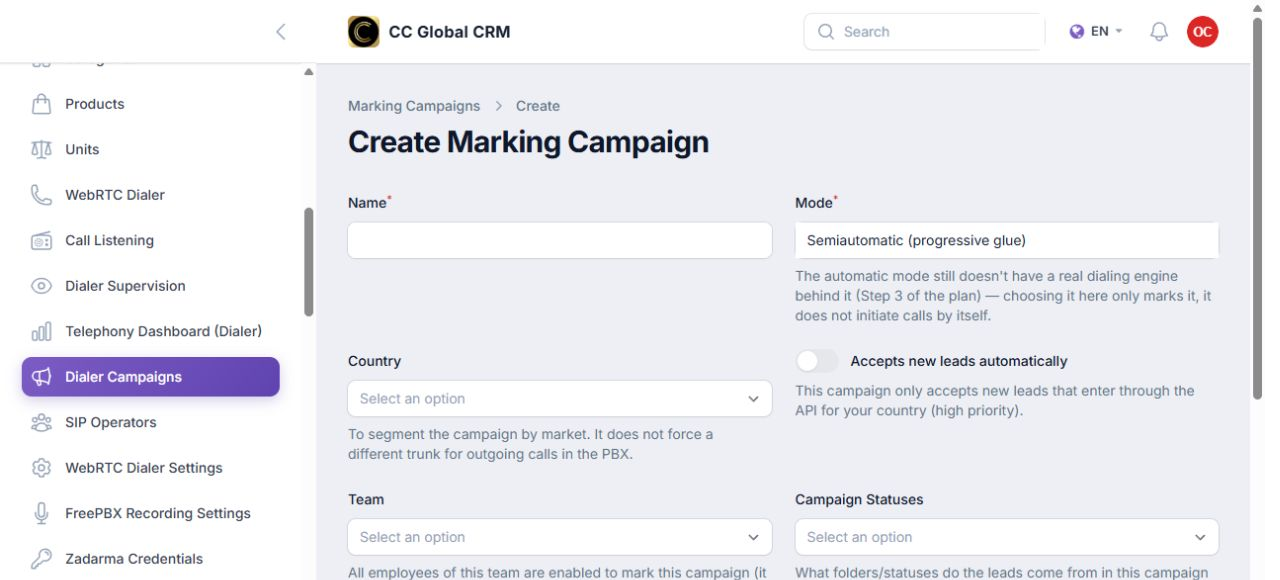
The automatic mode shown by the panel still does not initiate calls by itself.